User Guide
Everything on this site works with a mouse, a keyboard, a touch screen or a screen reader.
Find your community
Choose your city or town in Find your community on the home page, or open Communities for the full list grouped by county. Each community page lists every project, what it cost and which programs paid for it.
Village districts and precincts appear under the town they are in. Contoocook, for example, is listed under Hopkinton.
Use the map
The Project Map shows every project as a point. Select a point to see the project, its funding and a link to its page. With a keyboard, press Tab to reach the map. The arrow keys move to a nearby point, Page Down and Page Up step through every point from north to south, Home and End go to the first and last, and Enter opens the point you are on.
Use Zoom to a county or the plus and minus buttons to look closely at a crowded area. The list beside the map always shows the same projects as the map.
Narrow the list
Filter by county, water system, funding program, kind of work, year or story. The map, the count and the list update together, and the address in your browser changes so you can bookmark or share what you are looking at.
Replay the approvals
On the home page, Replay the approvals lights each project in the order it was approved and adds up the funding as it goes. Pause at any time, or use the arrow buttons and the date slider to move one approval date at a time. If your device is set to reduce motion, the map changes without animation.
Search and questions
The search box at the top of every page suggests communities, projects and pages as you type. You can also ask a question such as How much ARPA funding went to Grafton County? and the answer is added up from the project records.
Questions about a project
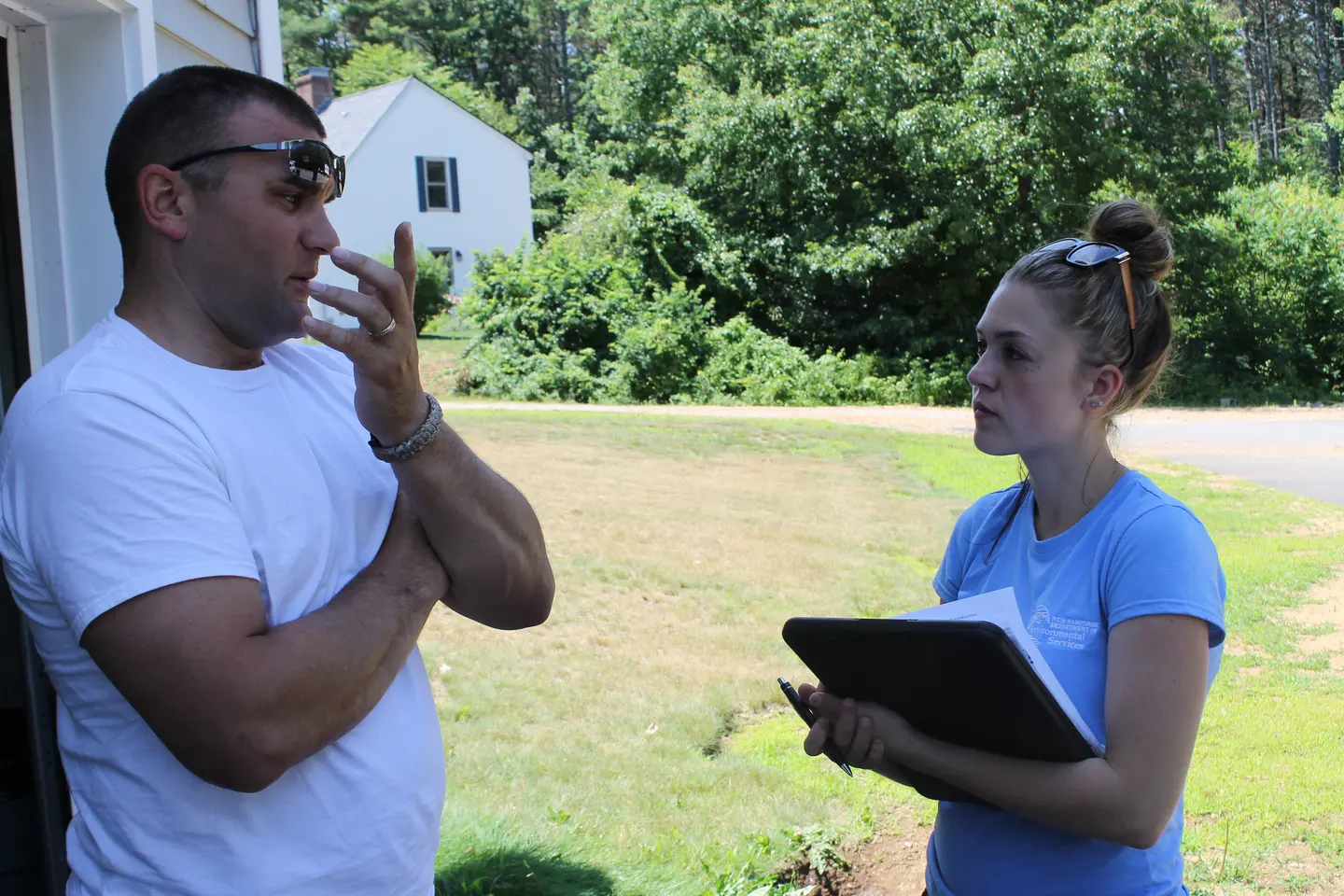
For a question about a specific project, its funding or its schedule, call NHDES at (603) 271-3503. Each project page names the community or system that received the funding, which is the best place to ask about work on the ground.
Download and print
Get every project as a spreadsheet from Data and Downloads, or download just the projects you have filtered on the map. Project and community pages print cleanly on letter paper for meeting packets.