Home › Chapters
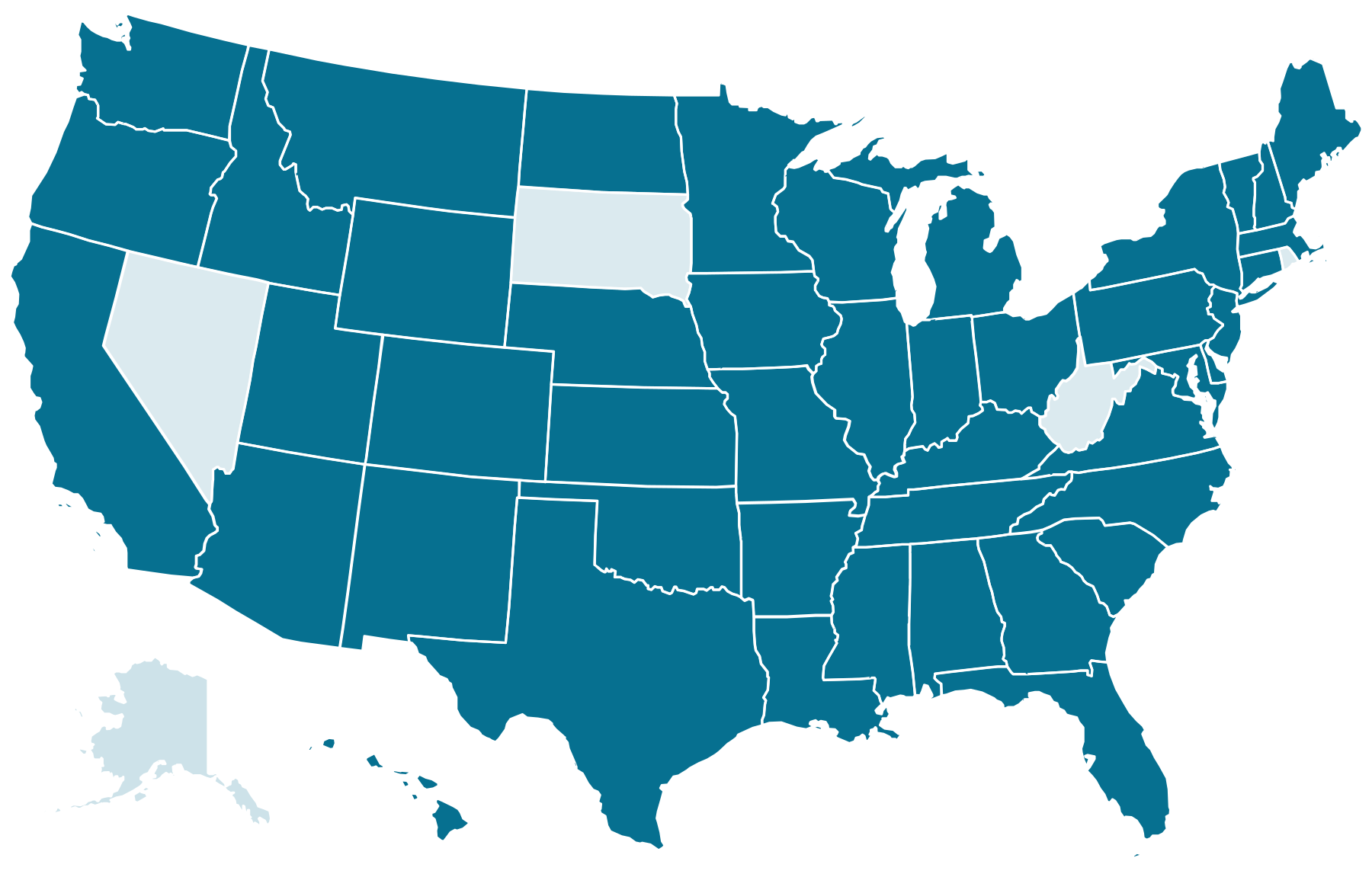
46-state network
Find your state chapter
Pick a region, search a state, and connect with your local Reading League chapter. This finder works fully by keyboard and screen reader, the way an accessible map should.
Browse chapters
Use the arrow keys to move through chapters; press Enter to open one. Roster is representative for this concept demo; the live directory is on thereadingleague.org.
Select a chapter
Your local network
Choose a state from the list to preview its chapter. Every chapter page shares one governed, accessible template, so brand and WCAG 2.2 AA stay consistent across all 46.
Keyboard & screen-reader ready
Why this matters
An accessible map, not a mouse-only widget
Interactive state maps are one of the most common accessibility failures on nonprofit sites: the regions are unlabeled, focus is invisible, and nothing works without a mouse. This finder fixes all three, pairing the visual map with a labeled, keyboard-operable list and a live result count.
Built in, not bolted on
- Every state is a real button with an accessible name and visible focus.
- Arrow keys move through the list; the count is announced.
- The selected chapter loads into a live region, no reload.