
Riding
How to ride
New to Cherriots, or just want a refresher? Here’s exactly what to expect, stop to stop.
The boarding sequence
-
Locate your stop
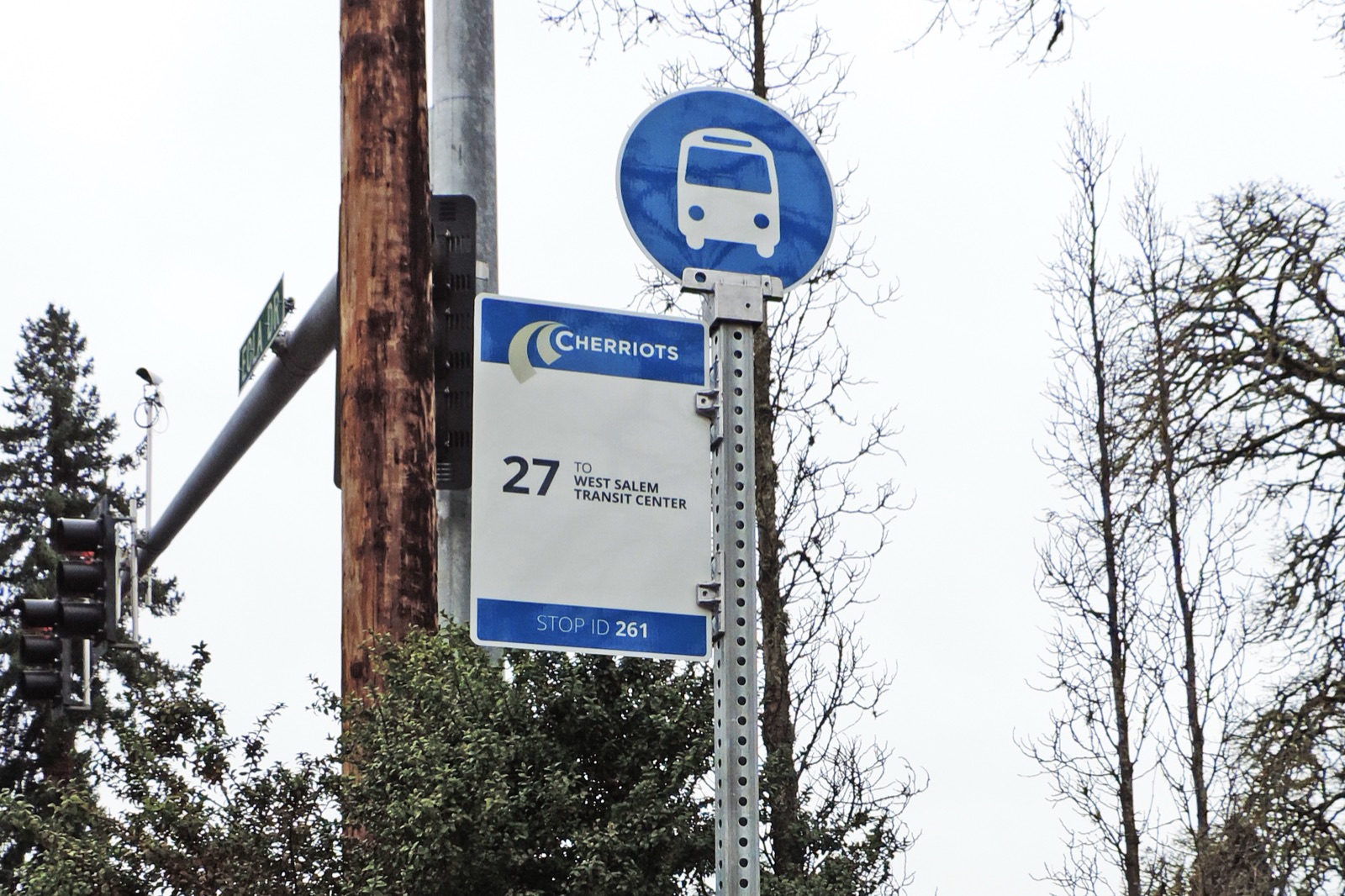
Cherriots stops are blue and white with the bus symbol on top. Many have seating and shelters.
-
Get there early
Be at your stop five minutes before the scheduled departure so you're never left behind.
-
Be visible
Stand near the sign, not tucked in the shelter, so the driver sees you. At night, wear reflective clothing or wave a light.
-
Step back
Stand back from the curb as the bus approaches; it needs to pull in close.
-
Board when ready
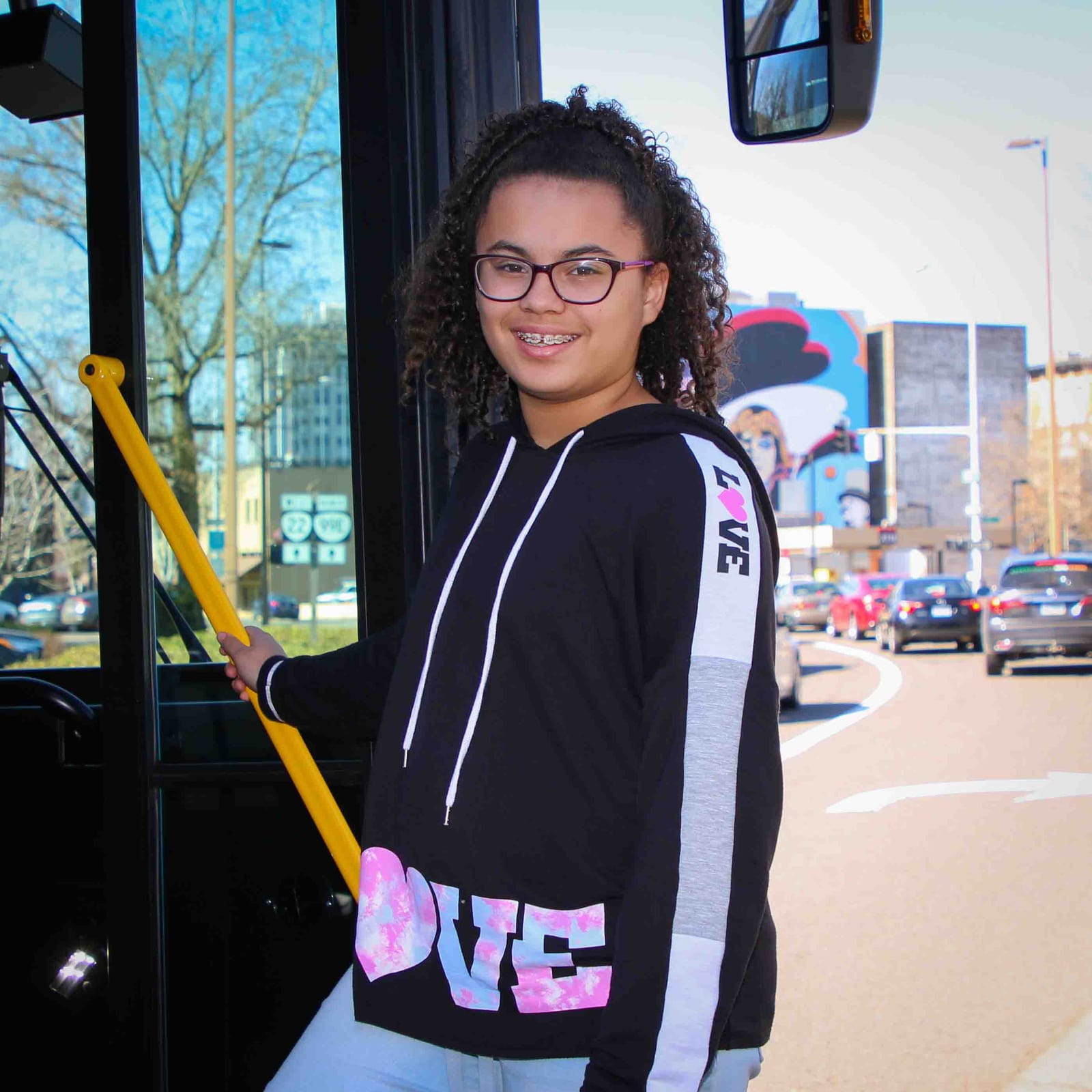
Wait for the bus to stop fully and the doors to open. Check the headsign above the windshield to confirm it's your route.
-
Have your fare ready
Exact change at the farebox, or tap your Cherriots Tap Card or the Umo app.
-
Pull the cord
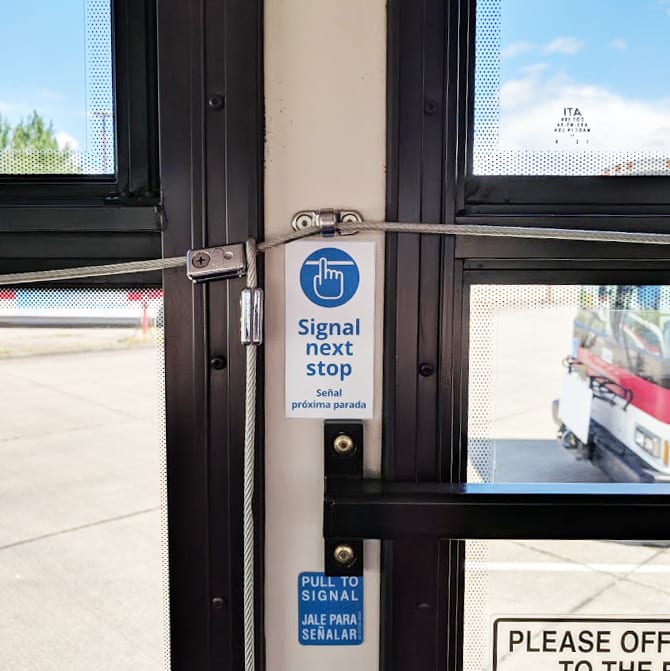
At least a block before your stop, pull the cord above the windows; the reader board will confirm “Stop Requested.”
-
Exit safely
Wait for a full stop before standing. Exit through the rear doors when you can, and never cross in front of the bus.
Bikes and mobility devices
Room for your ride
Every Cherriots bus carries a front-mounted bike rack. Load it yourself before you board; the driver can talk you through it the first time. Every bus also kneels and deploys a ramp for wheelchairs, scooters, and other mobility devices; let the driver know and they’ll lower the bus and clear the priority seating area.
Traveling with a service animal is always welcome. Folding strollers and walkers stow the same way a bike bag would (driver’s call on the busiest runs).
Ready to go?
Find your next departure
Search any stop by name, street, or stop number and see what’s coming next, live.
Paying your fare
Exact change, Tap Card, or Umo
See every fare option and price before you board.