
Start with what you need from City Hall.
Pay, apply, report, read the record, or find the right department without decoding the org chart.
See all servicesFind City information.
City service shortcuts.
Six direct paths cover the City tasks named in the Web2026 RFP.
Pay a utility bill
Open the secure payment destination.
2Apply for a permit
Start with requirements and the permitting destination.
3Report a concern
Send the right kind of service request.
4Find an agenda
Read meeting records and public documents.
5Read the municipal code
Continue to the City's eCode destination.
6Find jobs and bids
See City-published opportunities when available.
City-published updates.
No current meeting, event, bid, job, or emergency notice is fabricated here. Empty states are part of the content model and become live records when the City publishes them.
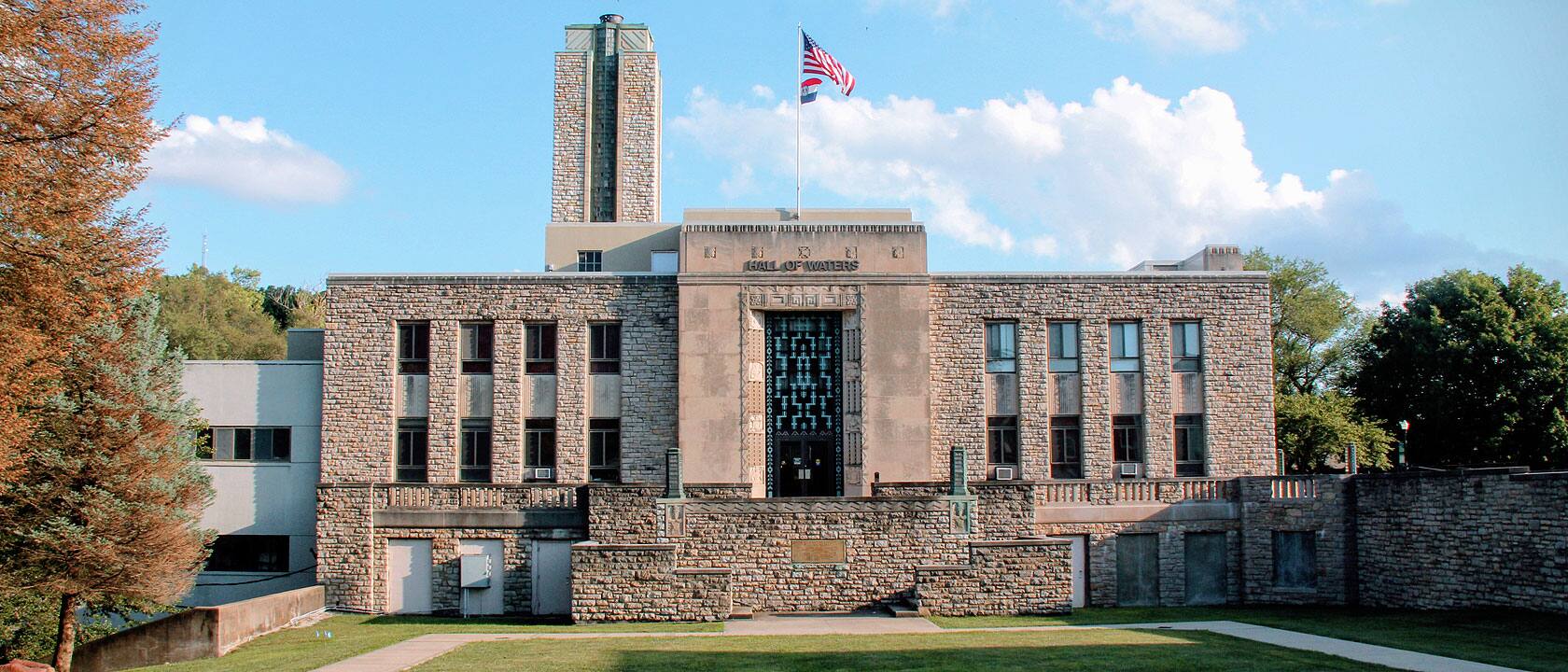
Browse recordsShaped by the Hall of Waters.
Limestone, mineral blue, and stepped lines carry the place into the interface. Resident tasks stay in front; history gives the system its character.
See the business pathway
Facts and named systems shown here follow the City-approved content and destination inventory.